Login or account access
Share your registered email, screenshot, and what happens when you try to login.
SendBM support is organized inside the app dashboard so your issue, account context, screenshots, and replies stay in one place.
Go to app.sendbm.com/auth/login and access your dashboard.
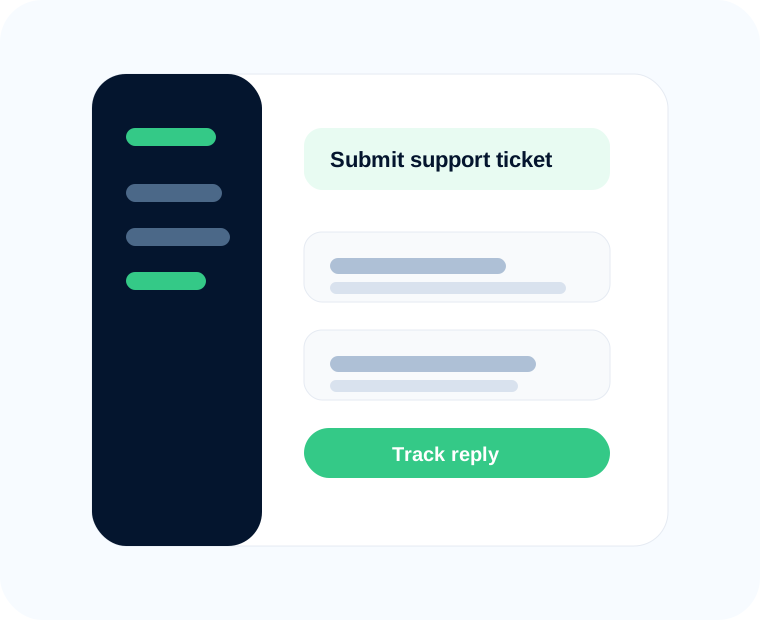
Find the Support option in the left sidebar of your user dashboard.
Explain the issue and add useful details such as screenshots, page URL, browser, and error message.
Keep the conversation inside the ticket until the issue is resolved.
Share your registered email, screenshot, and what happens when you try to login.
Share the QR page status, phone model, browser, and whether the linked device appears on your WhatsApp app.
Share campaign name, sending status, recipient count, and any visible error message.
Share the flow name, trigger, expected reply, and actual behavior.
Share the purchase email, order ID, and screenshot of the payment or access issue.
Share page URL, browser, operating system, timestamp, and screenshots or screen recording.
Instead of writing “not working”, include the exact page, steps to reproduce, screenshot, account email, and the result you expected.
Login to your SendBM dashboard and click Support from the left sidebar.
For account access or sales questions, use the contact page. For product issues, dashboard tickets are preferred because they include better account context.
Attach screenshots of the error, the page URL, the WhatsApp connection status, campaign status, or any warning message you see.
Support focuses on product access and platform workflow. Campaign strategy, copywriting, or managed services may be handled separately if offered.